
Dombyra Tabs
Write, play and practice dombyra tabs, with PDF export and backups
About
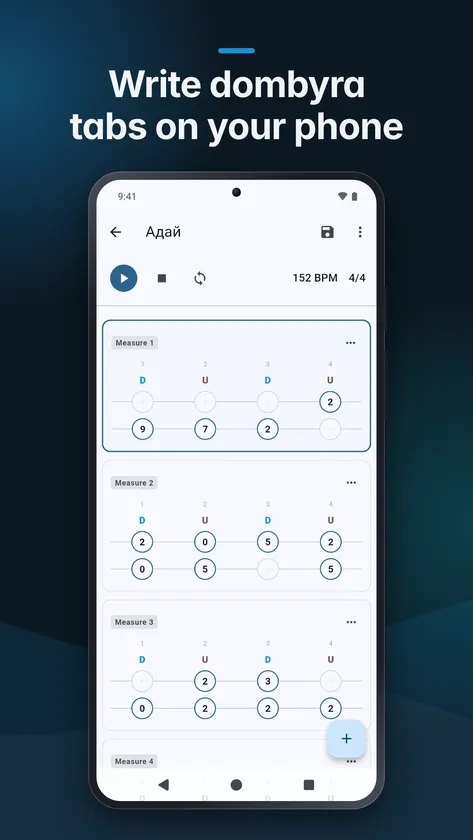
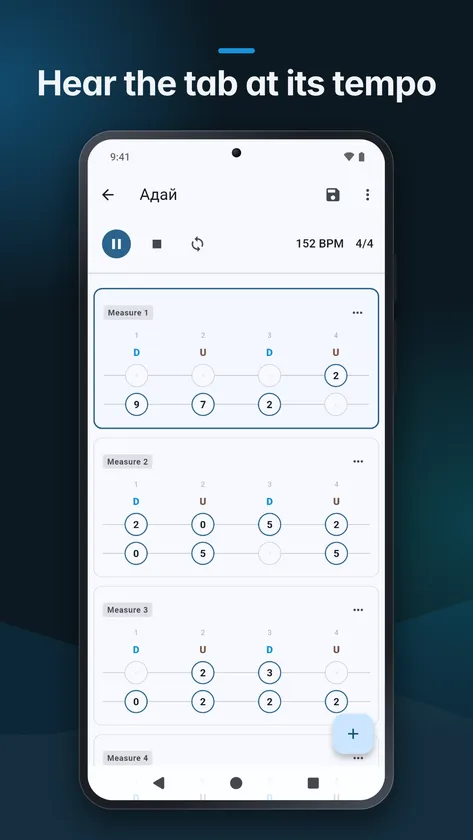
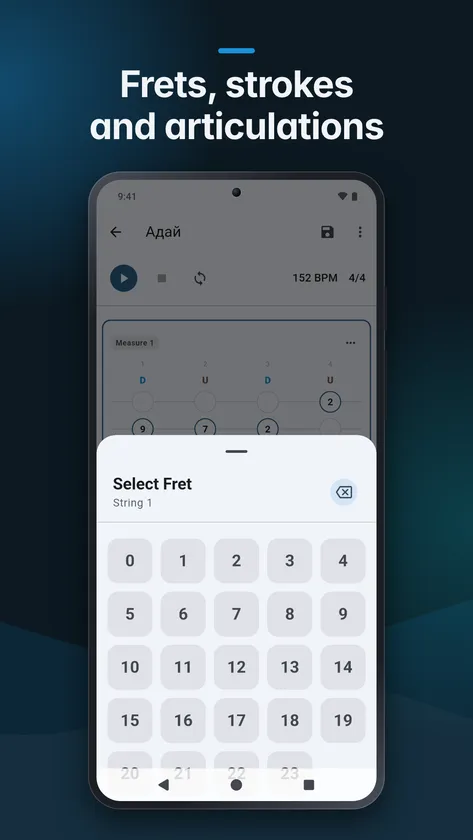
Write dombyra tablature on your phone: tap a cell on either string, pick the fret and the stroke, and hear the tab played back at its tempo.
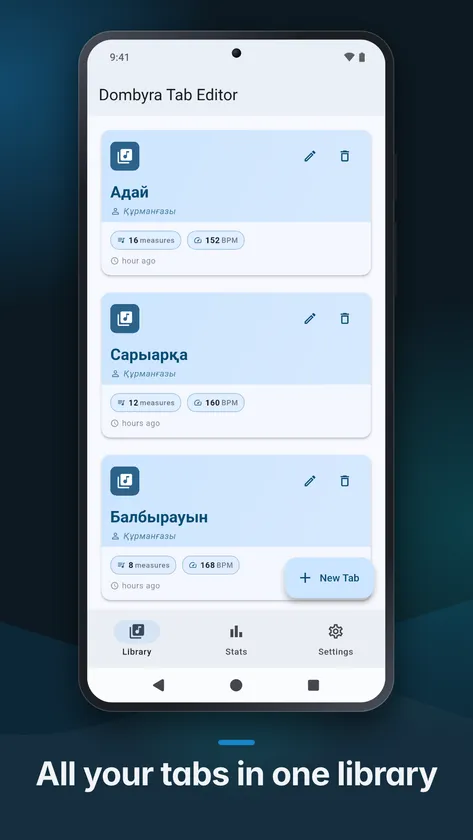
OnlySmart Dombyra Tab Editor keeps your tabs in a library on the phone, with a practice screen, PDF export and backups.
Editor
- A two-string tab grid: tap a cell, pick a fret, set a down stroke, an up stroke or a rest
- Articulations: hammer-on, pull-off, vibrato and slide
- Each measure has its own number of beats, from 2 to 8; move, duplicate or delete measures, with undo
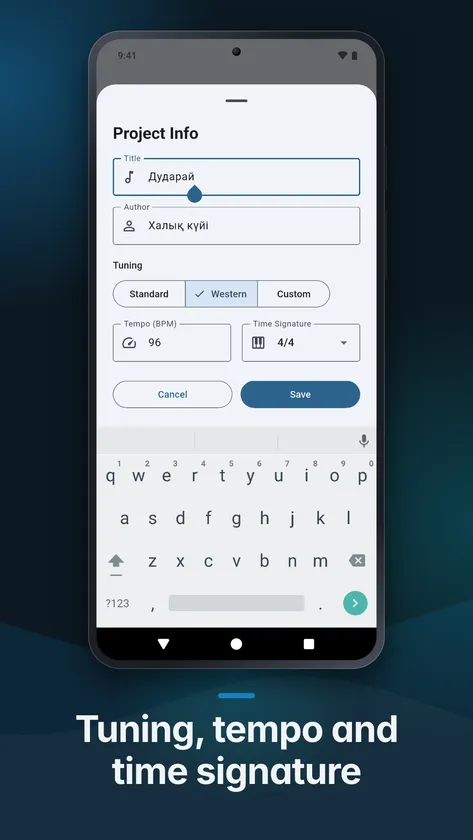
- Tab info: title, composer, arranger, tuning (standard, western or custom), tempo from 20 to 400 BPM and time signature
- Edits are saved as you go
Play and practice
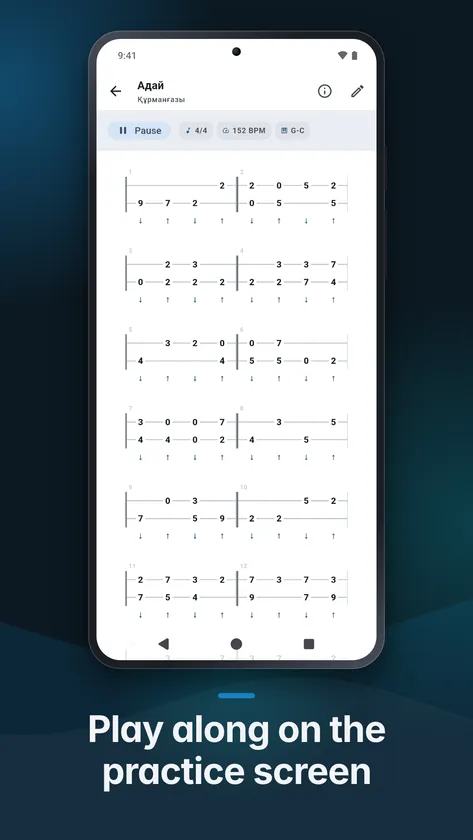
- Play, pause, stop and loop in the editor and on the practice screen
- Playback follows the tab's tempo and restarts when the tempo or the notes change
- The practice screen shows the tablature read-only, to play along
Library
- Search by title, composer or arranger
- Filter by tuning, time signature, tempo and the date a tab was created or edited
- Sort by recently edited, recently created, title or tempo
- Each tab shows its composer, arranger, measures, tempo, time signature and edit date
- Deleting a tab can be undone
- Statistics: total tabs, total measures and average tempo
Share and keep safe
- Export a tab to PDF, with Kazakh and Russian text, or to JSON to import later
- Export all tabs, the ones you found, tabs edited in a period or tabs you pick
- Importing shows new, existing and changed tabs side by side: keep yours, take the file's or keep both
- Automatic and manual backups on the phone or in Google Drive, with an optional password
- Restore or merge a backup, with a review of what differs
Light and dark theme, English and Russian.
News
App Update - Dombyra Tabs Editor v1.9 for Android has been released
App Update - Dombyra Tabs Editor v1.8 for Android has been released
App Update - Dombyra Tabs Editor v1.7 for Android has been released
App Update - Dombyra Tabs Editor v1.6 for Android has been released
App Update - Dombyra Tabs Editor v1.5 for Android has been released