
Chess
Play chess against the computer on 3 levels, with hints, undo and game history
About
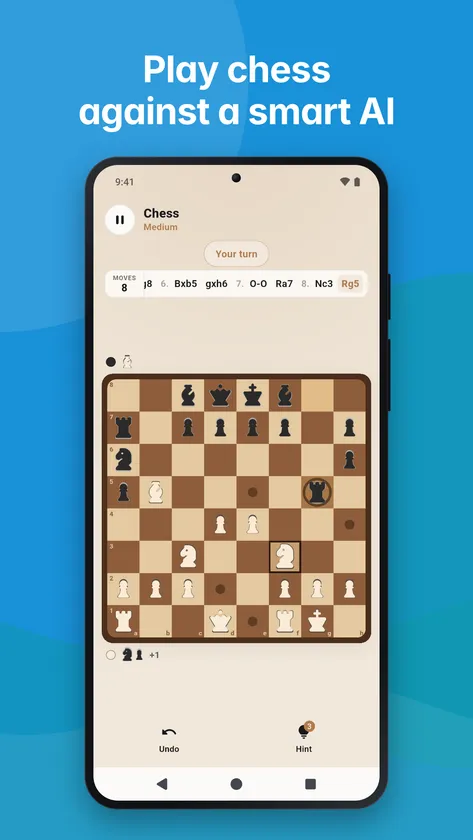
Play chess against the computer on a classic wooden board. Pick a level, make your move, and the AI answers on easy, medium or hard.
OnlySmart Chess follows the full rules, keeps every game you play and lets you look back at it move by move.
Play your way
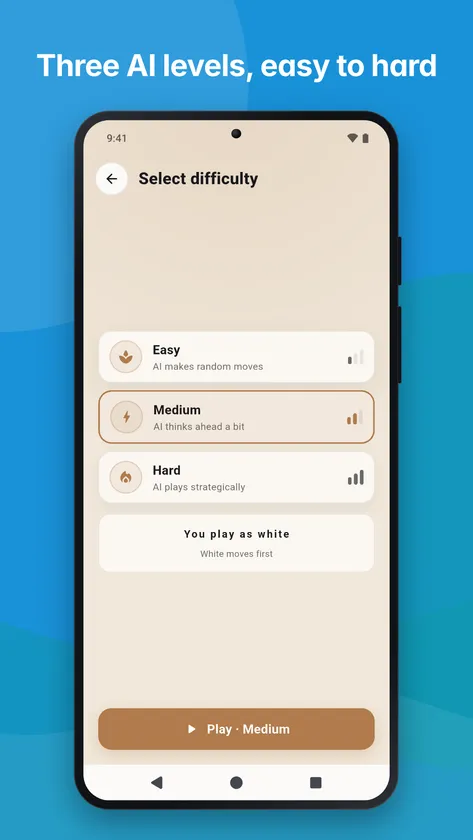
- 3 difficulty levels: easy makes random moves, medium thinks ahead a bit, hard plays strategically
- You play White, and White moves first
- Undo a move, or ask for a hint (3 per game)
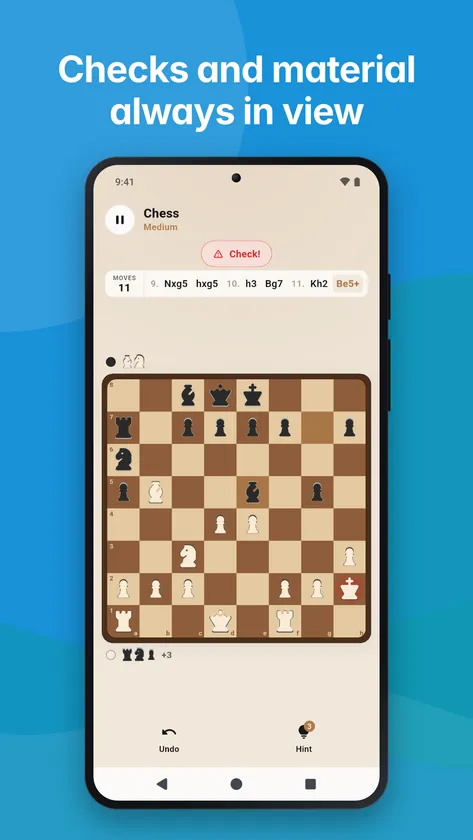
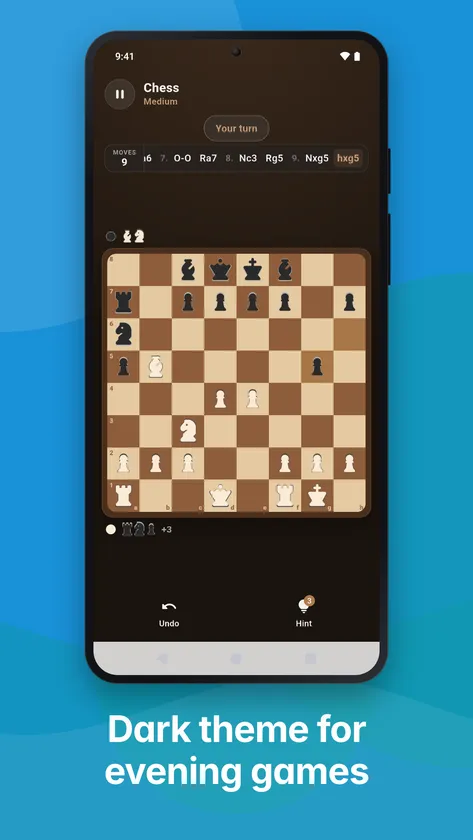
- The king in check is highlighted, and the status shows whose turn it is, check and when the AI is thinking
Full chess rules
- Castling, en passant and pawn promotion to a Queen, Rook, Bishop or Knight
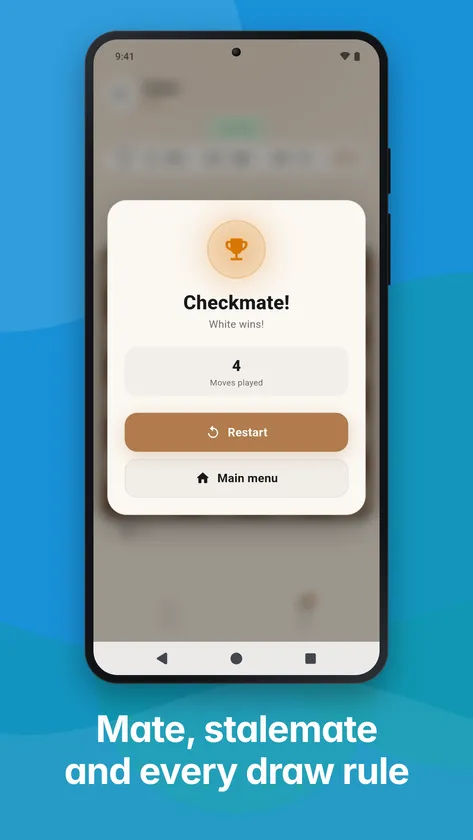
- Checkmate, stalemate and draws: not enough pieces left to checkmate, the same position three times, or 50 moves each without a capture or a pawn move
- How to play explains how every piece moves, with tips for beginners
Follow the game
- Move counter and a move list in chess notation
- Captured pieces next to the board, with the material advantage
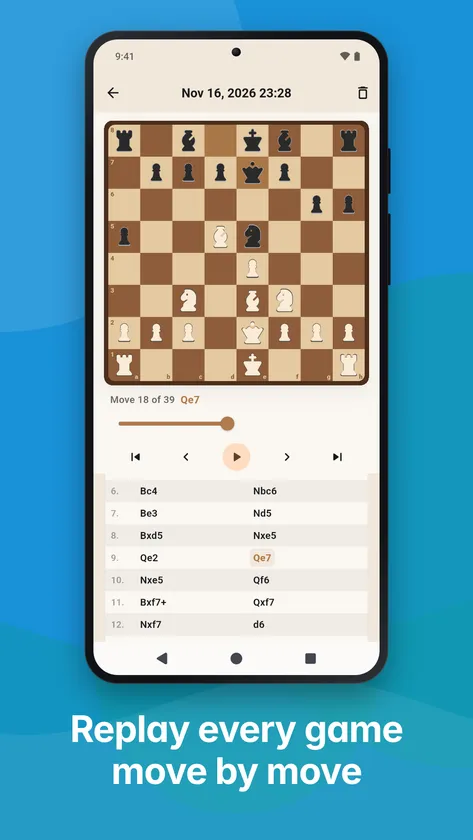
- Game history: every game is saved; open History on the home screen and step through any past game move by move
Comfortable to play
- Portrait and landscape, with a side panel on wide screens
- Light, dark or system theme, in English or Russian
- Haptic feedback and a pause menu
- Plays offline, no account needed
A calm, classic chess game for learning the moves and for a quick game against the computer.