
Calculator
Basic and scientific calculator with live results, history and dark theme
About
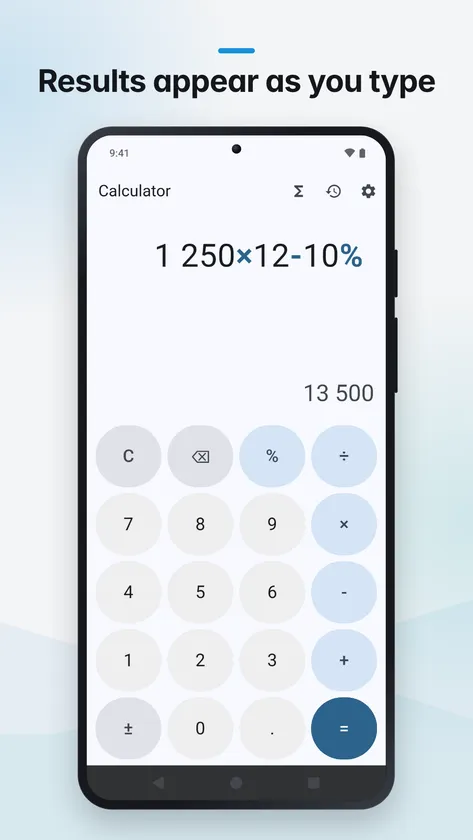
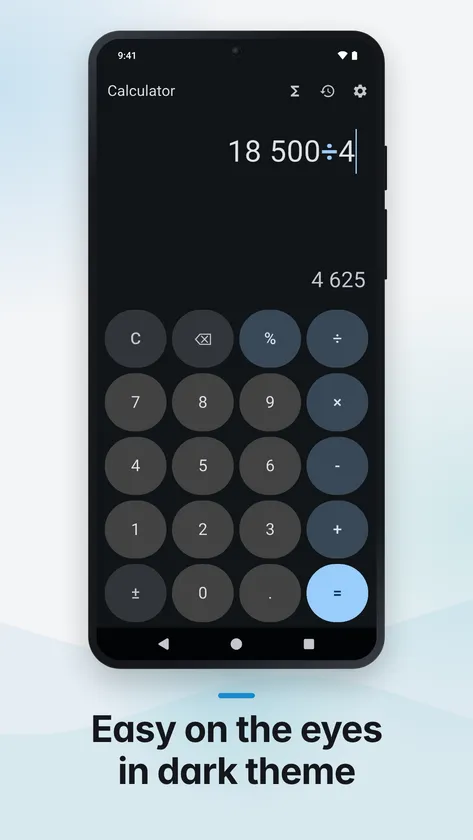
A clear calculator for everyday sums and scientific math. The result appears as you type, and long expressions shrink and wrap to fit the screen.
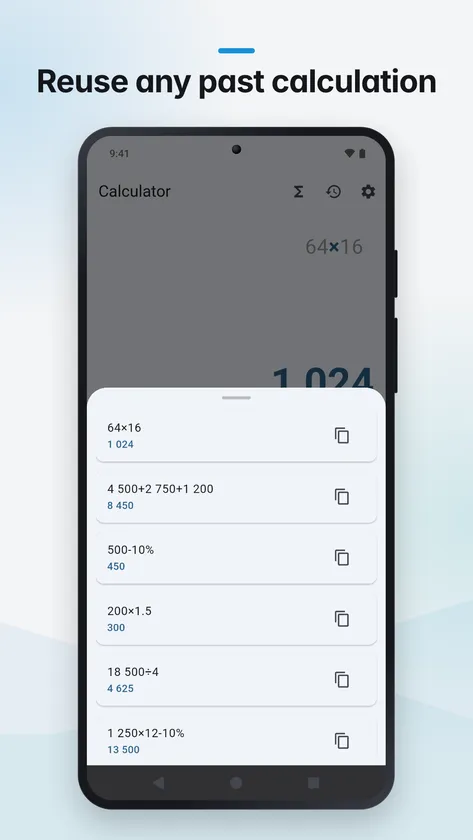
OnlySmart Calculator keeps your recent calculations in history, so you can reuse a whole expression or just its result.
Everyday calculations
- Standard layout: digits, + − × ÷, percent and ±
- One () button opens a bracket, or closes one after a number
- Percent works the way you expect: 500 − 10% gives 450
- ± changes the sign of the number at the cursor
- Thousand separators make long numbers easy to read
- Operators are coloured, so expressions are easy to follow
Scientific mode
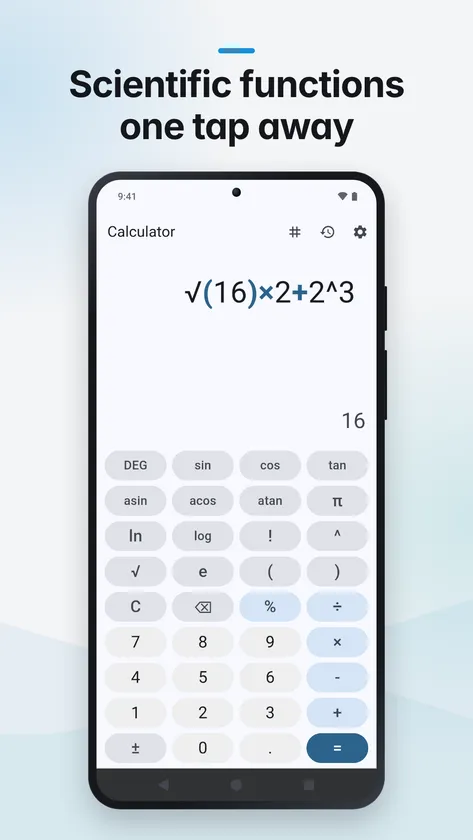
- sin, cos, tan and asin, acos, atan
- Powers, square root, factorial, ln and log
- π and e
- Degrees or radians with the RAD/DEG button
- In landscape, scientific keys sit beside the number pad
Edit anywhere
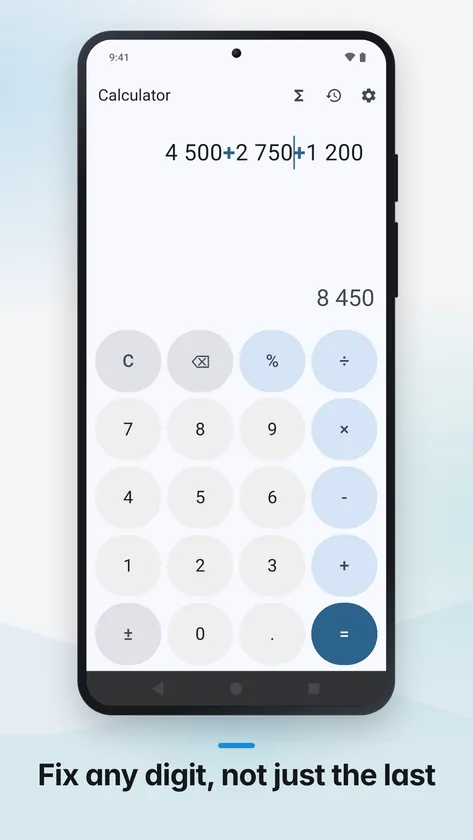
- Tap the expression to move the cursor, then insert or delete at any position
- Backspace sits under the result; long press clears everything
- Swipe left on the expression to delete a character
- Tapping the gap between buttons presses the nearest one
- Tap the result to copy it
History
- Your last 50 calculations, kept after the app closes
- Tap the expression or the result to add it to your input
- Copy a result or clear the history
Settings
- Light, dark or system theme
- English or Russian
- Haptic feedback on key press
Made for quick, precise calculations without clutter.